
$9.99
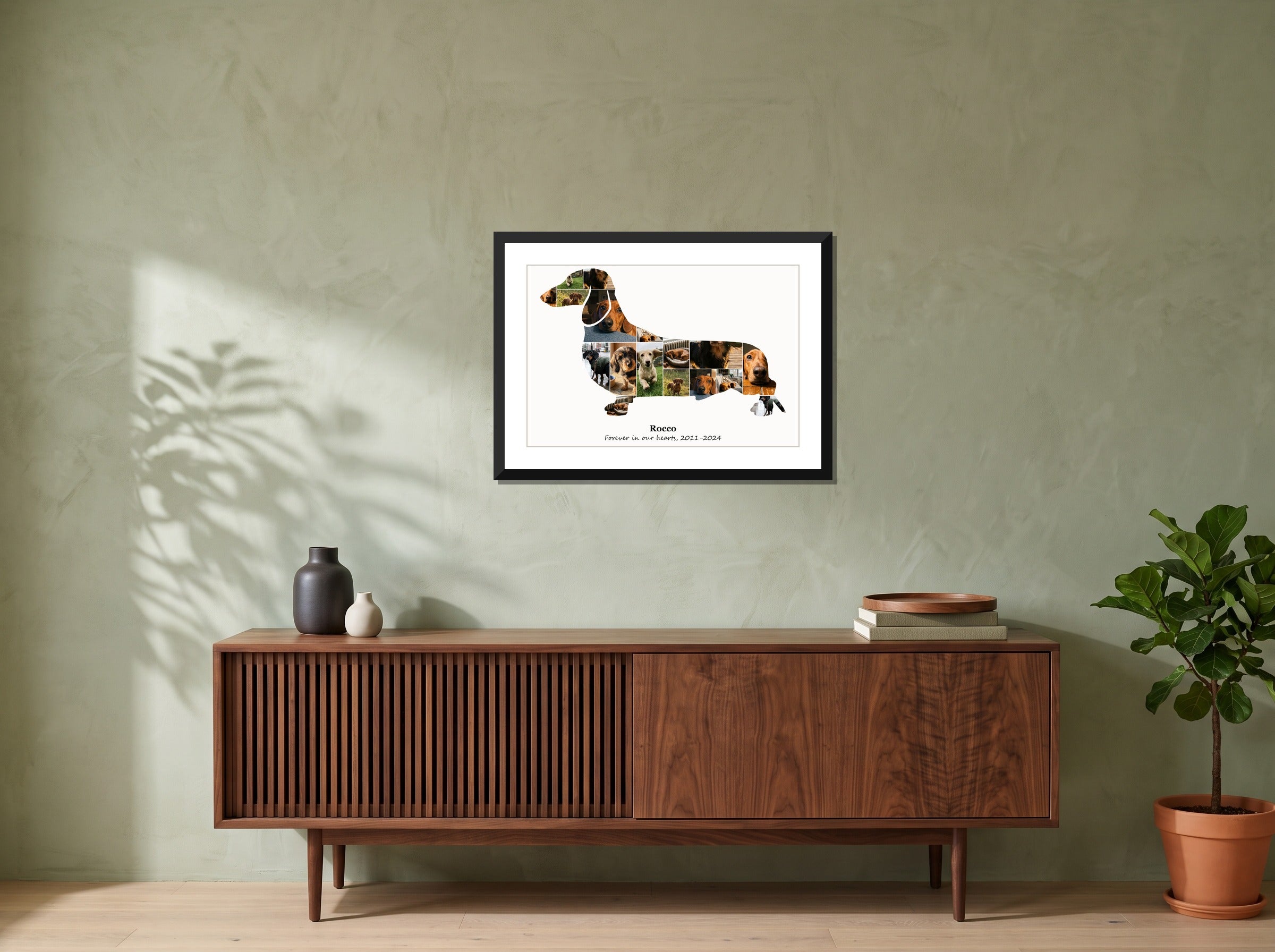
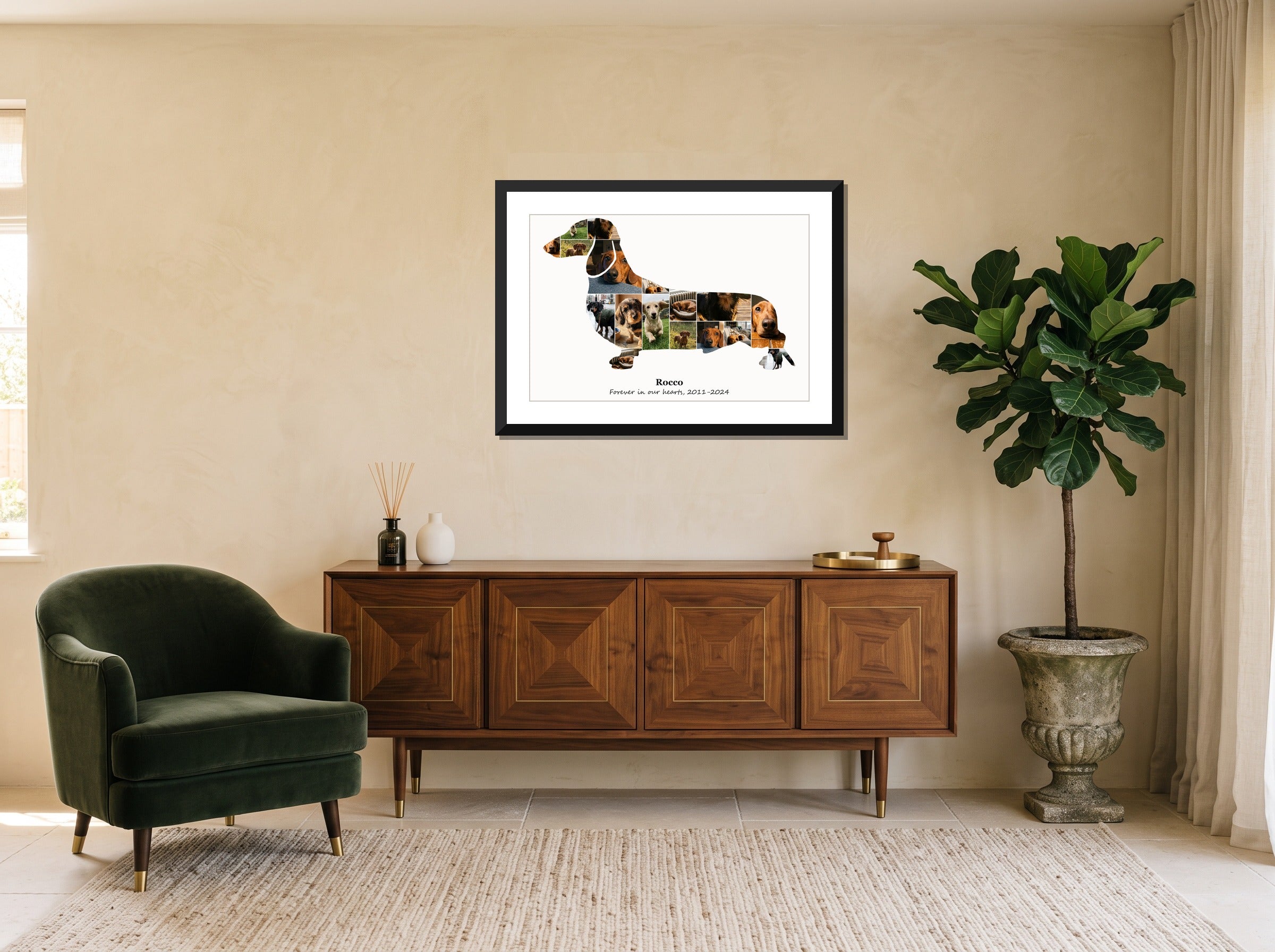
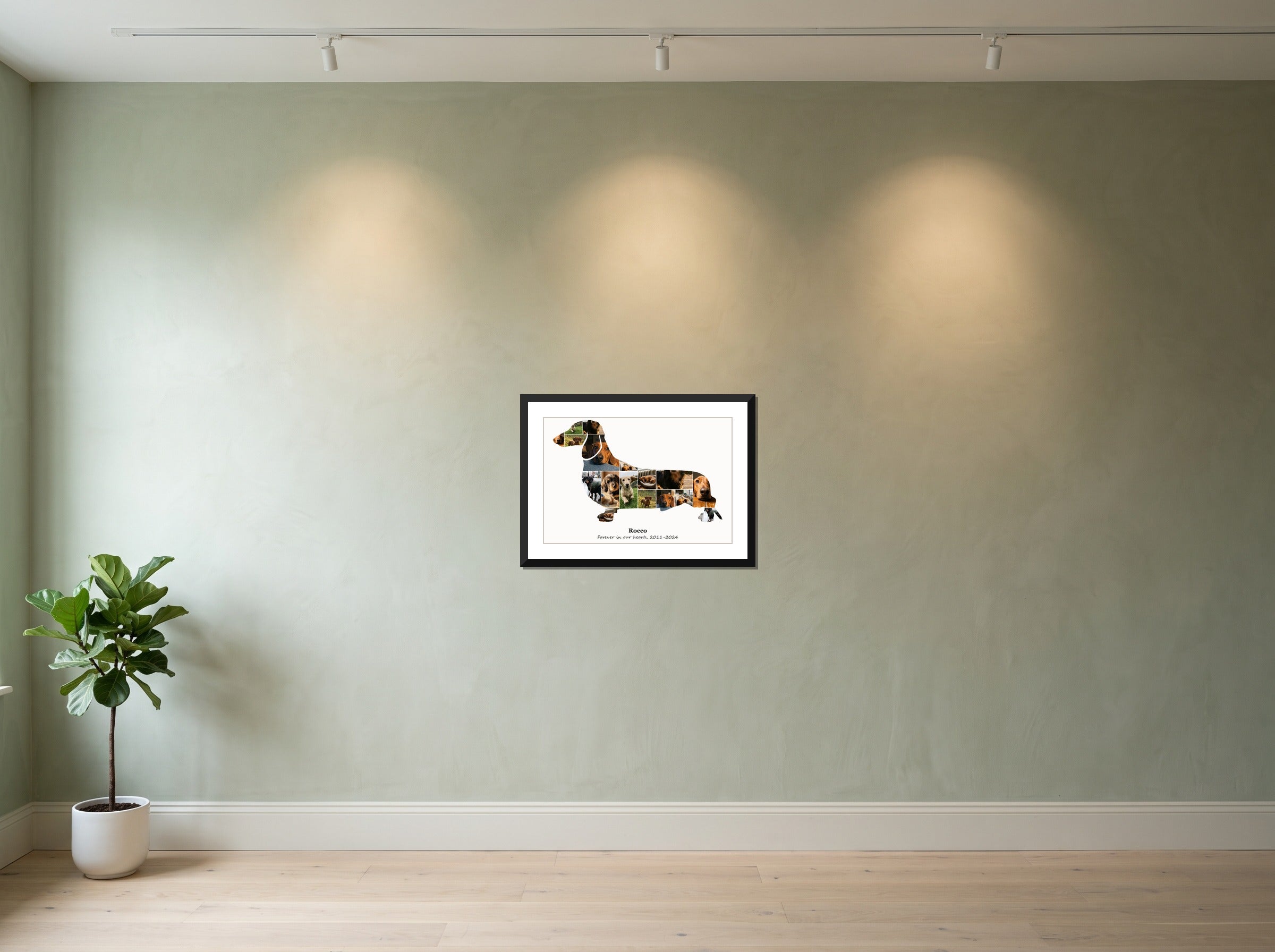
Dachshund memorial photo collage
A dachshund memorial photo collage, cut to the real outline of the breed and filled with the photographs you already have of them. That is the whole of it - no stock imagery, nothing we supply, nothing added. What makes this different from any other collage is that the set is closed: you are not picking from an endless roll, you are picking from everything there is. Most people find there is more than they expected, scattered across years of different phones, and that going looking for it turns out to be part of the point rather than a chore on the way to the thing.
See how it works in Canva: watch the how-to video.
How many photos fit
Every figure comes from the layout engine rather than a rule of thumb. The suggested count is where each photograph prints about two inches on each edge - large enough to make out a face across a room. Because this collage is cut to an outline rather than filling the sheet, that is far fewer photographs than a plain grid of the same size takes. The minimum is 17 photos; below that, parts of the outline can be left without a photo.
| Print size | Photos | Suggested |
|---|---|---|
| 12 × 12″ | 17–60 | 17 |
| 18 × 12″ | 17–100 | 17 |
| 20 × 16″ | 17–140 | 20 |
| 24 × 16″ | 17–170 | 30 |
| 20 × 20″ | 17–180 | 20 |
| 30 × 20″ | 17–275 | 45 |
| 24 × 24″ | 17–250 | 30 |
| 36 × 24″ | 17–375 | 70 |
| 40 × 30″ | 17–525 | 80 |
| 54 × 36″ | 17–875 | 150 |
| 60 × 40″ | 17–1075 | 180 |
Questions
How many photos do I need?
The suggested figure in the table above. That is the count at which each of your pictures prints about two inches square - the size at which a face still reads from across a room. Photographs from across a whole life work better than photographs from one year. The collage then reads as a life rather than a season, and the shifts in camera, light and age are a good part of why.
Can I add their name and dates?
Yes. The example above shows a name with a pair of dates under it, and both are editable text in Canva - the words, the typeface, the size, where they sit on the print. Some people use the dates. Some use a line the dog would never have understood and the family will. Some leave the space empty. There is no convention here that you are failing to follow.
What if the older photographs are poor quality?
They hold up better than you would expect. Each one occupies a small part of the print, so a picture that looks soft on its own reads fine inside the shape. The limit is the largest print sizes, where a photograph taken on an early phone has nowhere left to go - but a grainy picture from the first year is worth having in there even if it is the softest thing in the collage.
Which photographs should I leave out?
None, unless you want to. There is no rule, and the ones people hesitate over - the last weeks, the undignified ones, the ones taken on a bad day - are often the ones they end up glad they put in. The only test that matters is whether you want to look at it.
Can I make one for someone else?
Often this is a gift, and the awkward part is that you need their photographs. Asking lands better than it feels like it will - most people are glad to be asked about a dog they lost. If you would rather keep it a surprise, shared albums and old group chats usually hold more than you remember putting there. Get the name and the dates exactly right: approximate is worse than absent.
What do I actually get?
A Canva template built to this outline, which opens in a free Canva account. You place the photographs, set the name and the dates, and export it to print wherever suits you. There is no deadline on any of it - the template stays in your account, so you can start, close it and come back in a month.
More collages like this
- All dog photo collages
- Dachshund photo collage
- French bulldog photo collage
- American bully photo collage
- German shepherd photo collage
- Golden retriever photo collage
- Poodle photo collage
- Bulldog photo collage
- Labrador photo collage
- Dobermann photo collage
- Pit bull photo collage
- Chihuahua photo collage